
Get professional Gmail business email, Google Meet, Drive, Docs, and collaboration tools for your company. HostPeppy helps businesses with Google Workspace setup, migration, and affordable business email solutions in India.
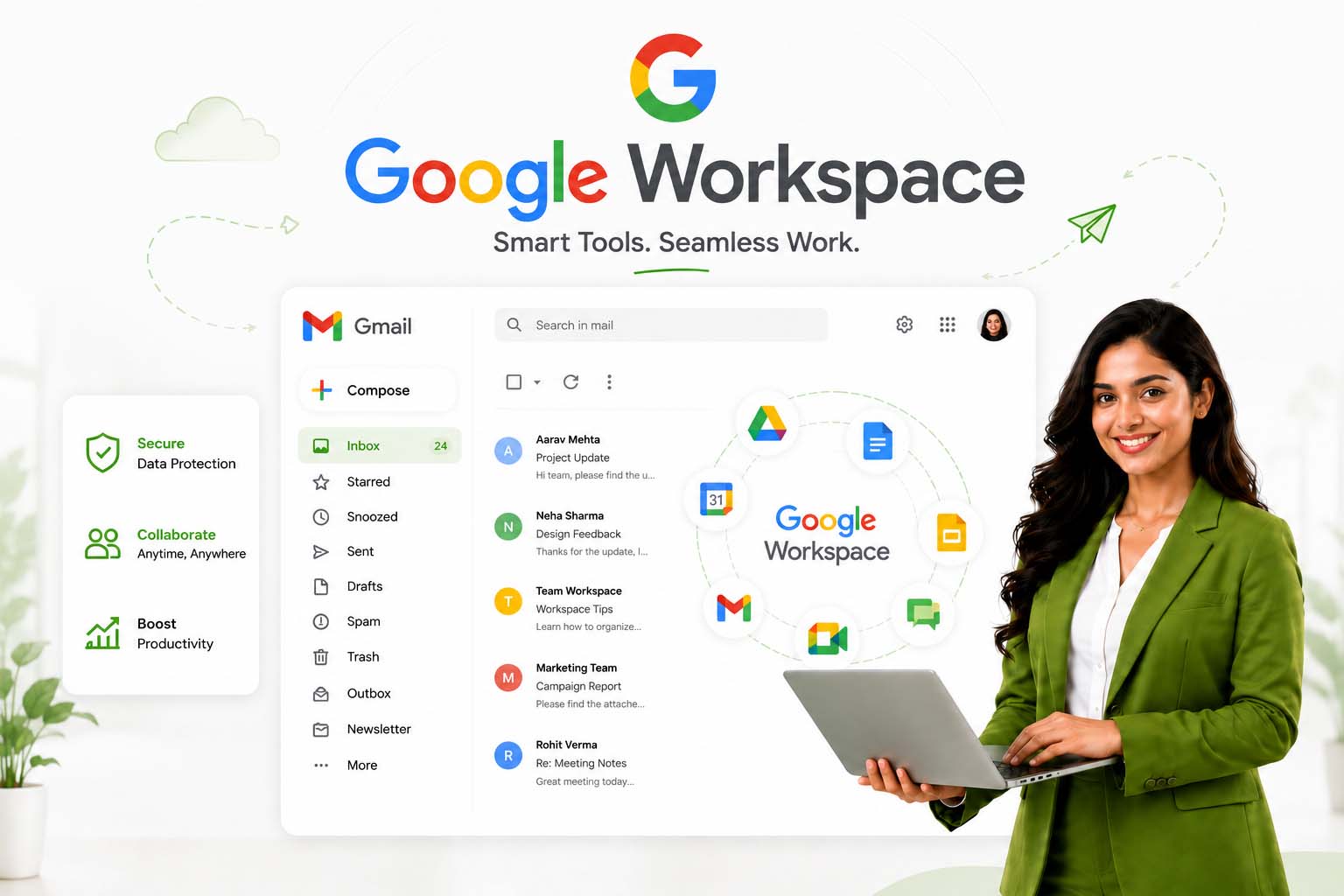
Professional Gmail business email with Google Workspace collaboration tools, secure cloud storage, setup assistance, and migration support for businesses in India.
Ideal for startups, businesses, freelancers, and teams looking for secure Gmail business email and Google collaboration tools.
Billed annually. Equivalent to approximately Rs 160/month.
Get Google WorkspaceModern businesses need more than just email to stay organized and connected. Google Workspace brings together professional Gmail business email, cloud storage, online meetings, calendars, and collaboration tools in one simple platform. Whether you're managing a startup, local business, or growing company, everything works together smoothly without unnecessary complexity.
As a Google Workspace reseller in India, HostPeppy helps businesses set up custom domain email, migrate from existing providers, and configure Google Workspace properly for daily operations. From secure email access to team collaboration, the platform is designed to support businesses that want reliability, flexibility, and professional communication.
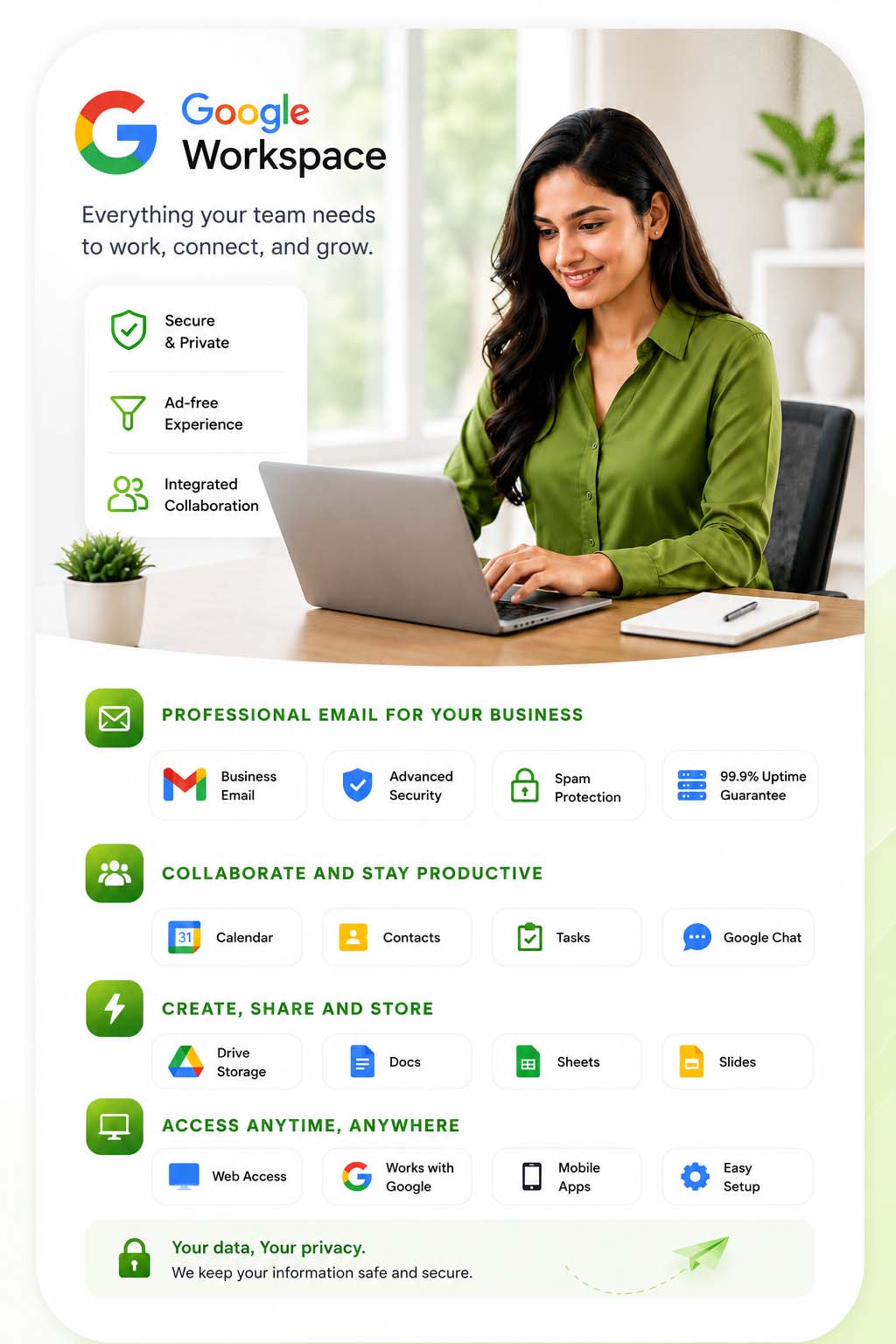
Professional Gmail business email with custom domain support and advanced security features.
Securely store, organize, and share business files using Google Drive cloud storage.
Host online meetings, client calls, and team discussions from desktop or mobile devices.
Communicate with your team instantly using secure business messaging and collaboration tools.
Schedule meetings, appointments, and business events using Google Calendar tools.
Create, edit, and collaborate on documents and spreadsheets with your team in real time.
We help businesses set up professional Google Workspace email properly - without technical confusion, complicated setup steps, or unnecessary delays.
Get Google Workspace business email at transparent pricing with local support in India. Suitable for startups, freelancers, agencies, and growing companies that want professional email without overpaying.
We help configure your business email, connect your domain, and migrate existing emails smoothly. Whether you're moving from Zoho, Outlook, or another provider, the process stays simple and organized.
If you ever get stuck, you can reach out to a real person instead of searching through endless tutorials. We assist with setup issues, user creation, DNS configuration, and everyday Workspace questions.
Google Workspace includes advanced spam filtering, secure login protection, and reliable cloud infrastructure designed to keep your business communication safe and professional.
Gmail, Google Meet, Drive, Docs, Sheets, and Calendar work together in one place, making it easier for teams to collaborate, share files, and manage work from anywhere.
Pay in Indian Rupees using UPI, bank transfer, or card payment methods without international billing complications or unexpected currency conversion charges.
Common questions businesses usually ask before choosing Google Workspace business email and collaboration tools in India.
A Google Workspace reseller helps businesses set up and manage professional Gmail business email properly without dealing with complicated technical configuration on their own. This usually includes domain connection, mailbox setup, DNS configuration, user creation, and migration from old email providers.
Many businesses prefer working with a local Google Workspace partner in India because they want practical support during setup instead of figuring out everything through documentation or tutorials. This becomes especially useful when moving from cPanel email, Zoho Mail, Outlook, or older hosting mail systems.
Apart from email, Google Workspace also includes tools like Google Meet, Drive, Docs, Calendar, and Sheets, so businesses can manage communication and collaboration from one connected platform.
Most businesses already trust Gmail for personal communication, so using Google Workspace feels familiar and easy for teams. The main difference is that businesses can use professional custom domain email addresses instead of free Gmail accounts.
Google Workspace also gives companies access to business-focused tools such as Google Meet, Drive, Docs, Calendar, and admin controls. Teams can collaborate, share files, manage meetings, and communicate from anywhere without maintaining their own servers.
Businesses usually prefer Google Workspace because it combines reliability, security, and ease of use inside one ecosystem that employees can start using quickly without technical training.
Yes, Google Workspace is widely used by startups and small businesses because it allows companies to start with professional business email without investing in expensive infrastructure or internal mail servers.
Small teams usually need something simple, reliable, and easy to manage. Google Workspace helps businesses handle email, meetings, calendars, file sharing, and collaboration tools from one dashboard without depending on multiple disconnected platforms.
Another reason startups prefer Google Workspace is flexibility. Businesses can start with fewer users and expand gradually as the company grows.
Yes, businesses can migrate emails from cPanel hosting, Zoho Mail, Outlook, Microsoft 365, or other providers to Google Workspace. A proper migration process transfers emails, contacts, folders, and sometimes calendars while minimizing disruption.
For active businesses, email continuity is important, which is why migration is usually planned carefully in stages. DNS records are updated properly so incoming emails continue working smoothly during the transition.
Many businesses prefer professional migration support because even small DNS mistakes can create email delivery issues later.
Google Workspace includes multiple security layers designed for professional business communication. Features such as spam filtering, suspicious login detection, two-factor authentication, and admin-level security controls help protect business accounts from unauthorized access.
Businesses also get centralized user management, password policies, device controls, and secure cloud infrastructure backed by Google’s systems. This makes it practical for companies handling client communication, internal documents, and sensitive business information.
For most businesses, Google Workspace provides far stronger protection compared to traditional shared hosting email systems.
Google Workspace setup services usually include domain verification, DNS setup, mailbox configuration, user account creation, mobile setup assistance, and business email activation.
Businesses that are not familiar with technical settings like MX records, SPF, DKIM, or email routing often prefer setup assistance to avoid future email delivery problems.
Many providers also help configure Google Meet, shared calendars, Drive access, security settings, and migration from old email providers during the setup process.
Many startups and small businesses want professional business email and collaboration tools without spending heavily on enterprise infrastructure. Affordable Google Workspace plans allow businesses to access Gmail business email, cloud storage, online meetings, and collaboration tools at predictable pricing.
Instead of managing separate platforms for email, meetings, and file sharing, businesses can handle everything from one connected ecosystem. This reduces operational confusion and makes communication easier for teams.
Businesses also prefer predictable yearly billing because it helps them manage expenses more comfortably during the early growth stage.
Regular Gmail is designed mainly for personal use, while Google Workspace is built specifically for businesses and teams. With Google Workspace, companies can use custom domain email addresses like yourname@yourcompany.com instead of generic Gmail accounts.
Businesses also get admin controls, shared collaboration tools, additional storage, security management, Google Meet, Drive, Docs, Sheets, and centralized account management.
For companies trying to build trust and maintain professional communication, using business email with their own domain usually creates a much stronger impression compared to free email accounts.
For most startups and small businesses, Google Workspace is usually worth it because it solves multiple communication problems in one place. Instead of using separate apps for email, meetings, file storage, calendars, and document sharing, businesses can manage everything under one account. This makes daily work much simpler, especially for teams that are growing quickly.
One of the biggest advantages is professional business email using your own domain name. When businesses communicate using branded email addresses, it creates a more trustworthy and professional image compared to free Gmail accounts. Even small businesses look more organized when they use proper business communication systems.
Another important reason businesses choose Google Workspace is reliability. Many companies move away from traditional hosting email because they face inbox delivery problems, storage limitations, spam issues, or server downtime. Google's infrastructure usually provides a more stable experience for business communication.
Small teams also like the fact that employees already know how Gmail and Google apps work. This reduces training time and allows teams to start using the platform immediately without confusion. As the company grows, additional users and storage can be added easily without changing the entire system later.
Yes, Google Workspace is widely used by remote and hybrid teams because it keeps communication, meetings, and file collaboration connected in one platform. Employees can access emails, documents, shared files, and meetings from laptops or mobile devices without depending heavily on office systems.
Tools like Google Meet, Google Drive, Docs, and Sheets help teams collaborate in real time even when employees are working from different locations. Instead of constantly sending updated files back and forth, teams can edit documents together instantly. This saves time and reduces confusion during projects.
Shared calendars and scheduling tools also help businesses organize meetings more efficiently. Employees can check availability, plan calls, and coordinate tasks without relying on multiple disconnected apps.
Many businesses that switched to remote work realized that communication becomes difficult when different tools are scattered across different platforms. Google Workspace helps simplify that process by bringing everything together in one ecosystem that employees already understand easily.
Many businesses initially start with cPanel email because it comes free with web hosting. However, as businesses grow, they often begin facing limitations related to storage, spam filtering, email delivery, and overall reliability. This is one of the main reasons companies eventually move to Google Workspace.
Shared hosting email systems are usually designed for basic usage, while Google Workspace is built specifically for professional business communication. Businesses often notice better inbox delivery, stronger spam protection, improved uptime, and easier mobile access after switching.
Another common issue with traditional hosting email is server reputation. Sometimes emails land in spam folders because shared hosting servers are used by many websites together. Google Workspace generally provides more reliable email infrastructure for businesses sending regular client communication.
Apart from email itself, businesses also move because they want collaboration tools like Google Meet, Drive, Docs, and shared calendars. Instead of depending only on email, companies can create a complete communication and productivity system inside one platform.
Basic Google Workspace setup is usually completed within a few hours if the domain and DNS access are available properly. This includes domain verification, mailbox creation, DNS configuration, and business email activation.
However, the actual setup time can vary depending on the number of users, migration requirements, and the existing email platform being used. Businesses migrating from older mail systems may require additional time because emails, contacts, folders, and calendars need to be transferred carefully.
DNS propagation is another factor that sometimes affects activation time. Even after records are updated correctly, it may take some time for email routing changes to reflect globally. During this process, experienced setup providers usually monitor everything carefully to avoid interruptions in incoming emails.
For smaller businesses with only a few email accounts, setup is generally straightforward. Larger organizations with multiple departments, aliases, shared mailboxes, and migration requirements may require more planning before everything goes live properly.
Yes, businesses can use their existing domain name with Google Workspace without changing their website or domain registrar. During setup, the domain is simply connected with Google's email servers through DNS configuration.
This allows businesses to create professional email addresses such as info@yourcompany.com or sales@yourcompany.com while continuing to use their existing website normally. The domain itself remains under the same ownership and control.
Many businesses worry that switching email providers might affect their website, but email and website hosting can work independently. Proper setup ensures that the website continues functioning while email services move to Google Workspace.
Businesses usually prefer custom domain email because it improves brand trust and makes communication look far more professional compared to free personal email accounts.
Yes, Google Workspace includes Google Drive, which allows businesses to store files securely in the cloud and share them easily with team members or clients. Instead of depending on physical office systems or USB storage devices, employees can access important files from anywhere with internet access.
Businesses can organize folders, control permissions, share documents securely, and collaborate on files in real time. This becomes especially useful for remote teams or businesses working with multiple departments and clients regularly.
Tools like Google Docs, Sheets, and Slides also work directly with Drive, allowing teams to create and edit documents together without downloading files repeatedly. Multiple users can work on the same document simultaneously, which saves time during collaboration.
Many businesses prefer cloud-based file sharing because it reduces dependency on local systems and helps keep data accessible even when employees are traveling or working remotely.