Unstable Power
IT equipment needs clean, protected power. UPS capacity and distribution should be designed around the actual load rather than added after an outage.

A micro data center brings computing, rack infrastructure, UPS and power backup, data center cooling, physical security and remote monitoring together in one controlled environment. HostPeppy helps businesses explore micro data center solutions, understand the micro data center setup cost in India, and plan an infrastructure solution suited to their workload.
 Integrated rack, power and cooling planningDesigned for branch, factory and edge environmentsRemote monitoring and physical security optionsRoom to plan for future IT growth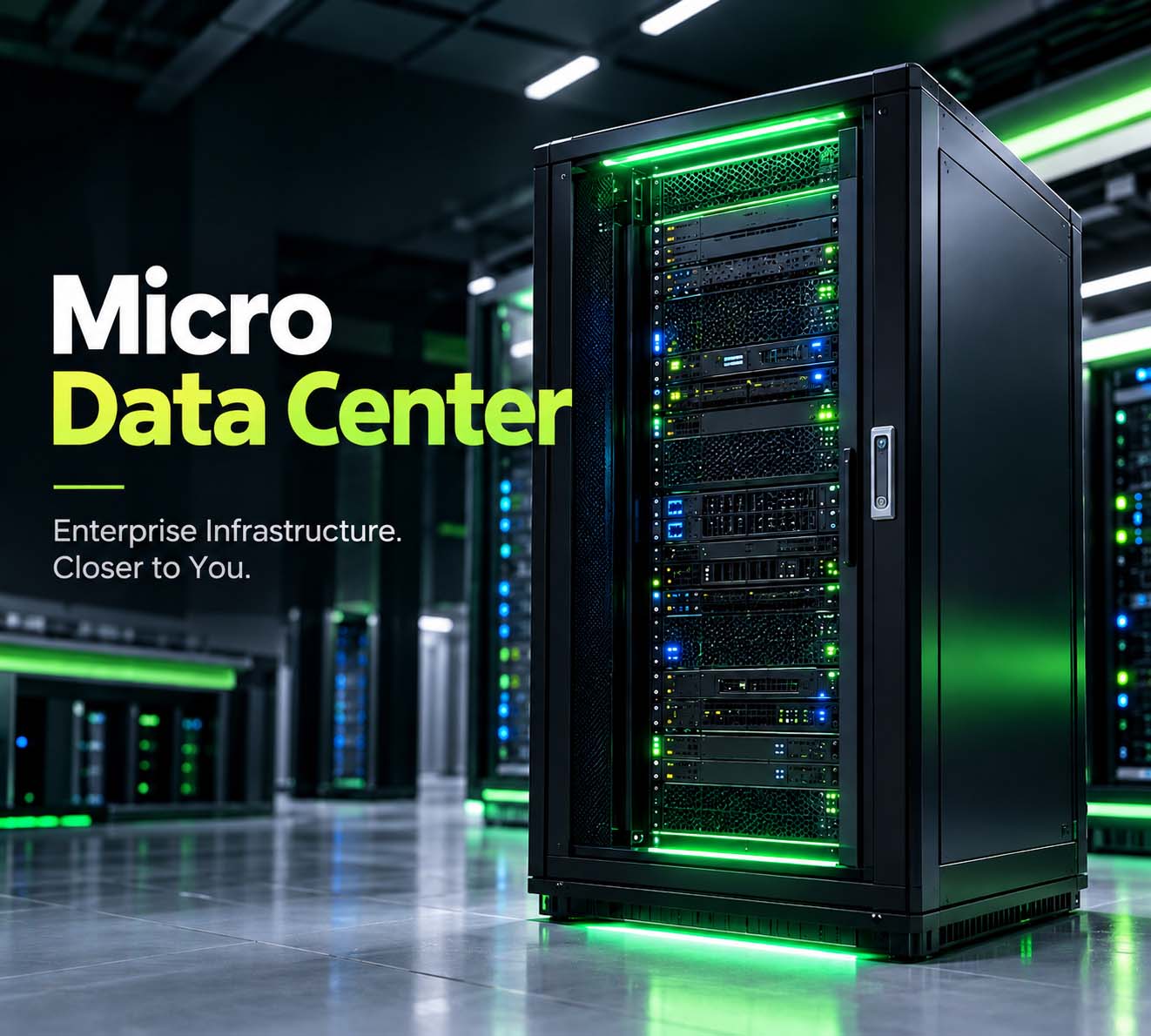
A micro data center is a compact IT environment designed to run servers, storage and networking equipment outside a large conventional data center. Instead of treating the rack, power, cooling and protection as separate projects, the infrastructure is planned as one controlled system.
This approach is useful when applications need to stay close to users, machines or locally generated data. A factory may need local processing on the production floor. A hospital may want critical systems close to clinical operations. A branch network may need local compute without building a full server room.
The exact design depends on the IT load, available space, environmental conditions, availability requirement and expected growth.
Putting servers in an available room may work for a while, but the supporting infrastructure often gets added piece by piece. That makes power, temperature, security and expansion harder to manage.
IT equipment needs clean, protected power. UPS capacity and distribution should be designed around the actual load rather than added after an outage.
Servers continuously turn electrical power into heat. Cooling needs to match density, room conditions and the workload you expect to add later.
Network and compute equipment should not be treated like ordinary office hardware. Access control and environmental protection reduce avoidable operational risks.
A rack that is full on day one leaves little room for new servers, storage, switches or additional power and cooling demand.
The enclosure is only one part of the project. A dependable deployment comes from matching every supporting system to the IT workload.
Rack space for servers, storage, switches, firewalls and other equipment, with sensible cable management and room for service.
UPS, batteries, PDU and distribution equipment sized for the connected IT load and required backup strategy.
Cooling capacity should follow the heat generated by the IT load, not simply the room's floor area.
Temperature, humidity, power and equipment alerts can help teams identify infrastructure problems before they become outages.
Rack access, CCTV, controlled entry and other measures help protect infrastructure deployed outside a conventional data center.
Detection and suppression should be selected according to the site, equipment and applicable safety requirements.
Structured cabling, switches, firewalls and reliable WAN connectivity keep the local infrastructure connected to users and central systems.
Planning spare rack, power, cooling and network capacity can make the next expansion much less disruptive.
This is an indicative planning range for a complete micro data center deployment, not a fixed HostPeppy price. The final number changes with rack capacity, IT load, UPS and battery requirements, cooling, fire protection, monitoring, security, redundancy, site preparation and installation.
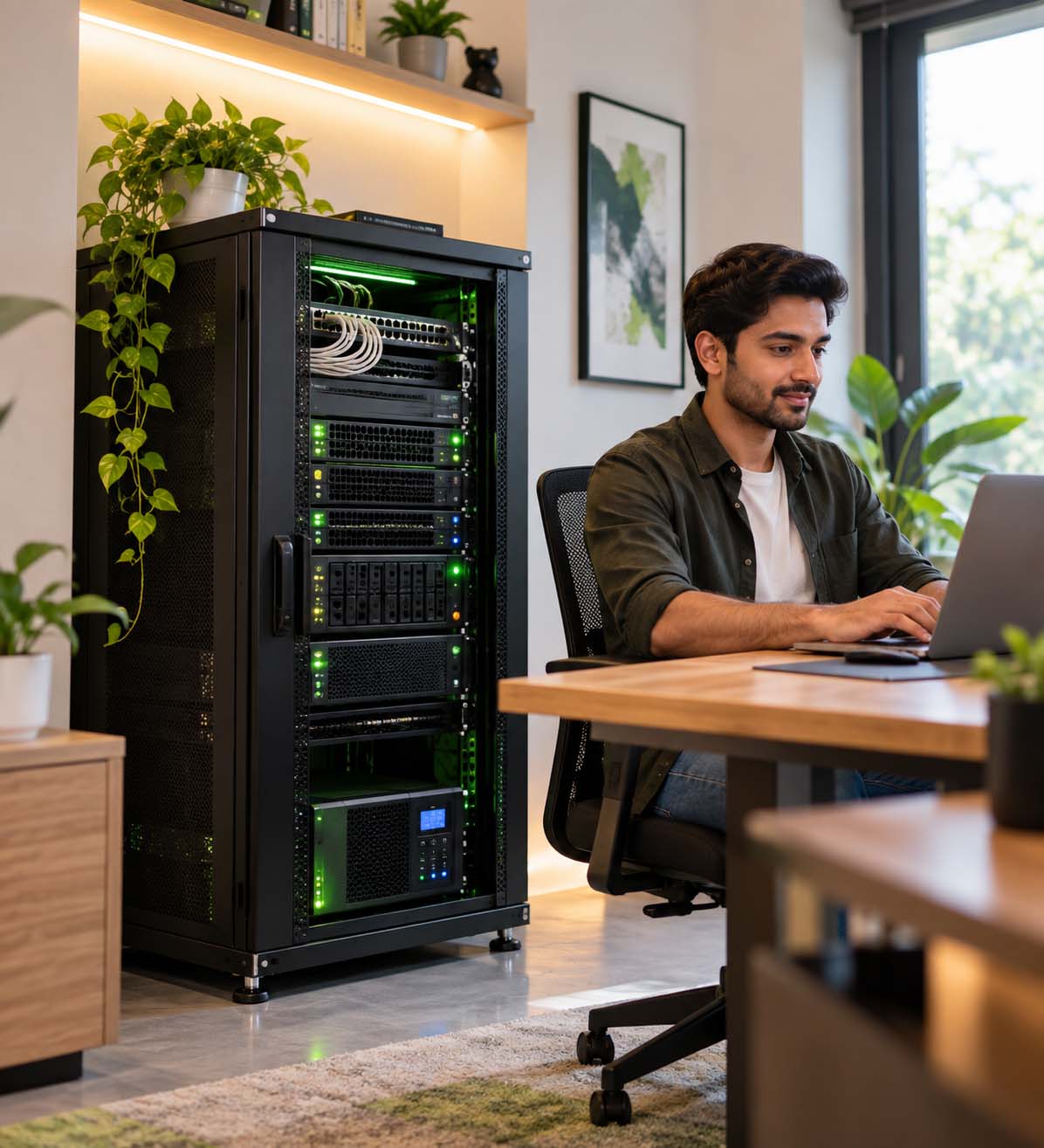
Yes, a compact IT environment can be installed in a home, studio, lab or small office when the workload is modest. But a home deployment should not be treated as simply putting a server into a cupboard.
Before installing equipment, look at the electrical circuit, UPS backup, heat output, ventilation, noise, internet redundancy, physical access and fire safety. A small rack can be practical for development, private services, backups, networking or lab workloads; higher-density enterprise equipment may require a dedicated technical space.
The right question is not only “Can I fit the rack?” but also “Can the site safely support the power, heat and availability requirements?”
Micro data centers make sense when computing needs to stay close to the people, machines or data that depend on it.
Keep local applications, industrial data and network services close to production environments where low latency and local availability matter.
Support local applications, imaging, connectivity and branch infrastructure where reliable local IT can be important.
Provide local compute, storage, network services and security without building a conventional data center at every branch.
Support point-of-sale, video, local analytics and connectivity in stores or distributed retail environments.
Place compute closer to devices and users so selected workloads can be processed locally rather than always relying on a distant facility.
Provide controlled infrastructure for research, private services, networking, development and specialized workloads.
A good deployment starts with the workload, not the rack. These are the practical stages to work through.
List servers, storage, network equipment, GPU requirements, current power draw and expected growth.
Check electrical capacity, available floor space, ambient conditions, connectivity, access and service routes.
Size UPS, batteries, distribution and cooling around the actual IT load and required availability.
Plan access control, environmental sensors, alerts, CCTV and fire protection appropriate to the deployment.
Rack equipment, test power and cooling, validate alarms, document the installation and verify failover where applicable.
Monitor the environment, maintain equipment and use the remaining capacity intelligently as workloads grow.
Each model solves a different infrastructure problem. The right choice depends on control, location, workload and operational requirements.
| Factor | Micro Data Center | Traditional Server Room | Public Cloud |
|---|---|---|---|
| Physical location | Close to the workload | Usually on-site | Provider facility |
| Hardware control | High | High | Limited to provider offerings |
| Power & cooling | Designed as part of the solution | Often managed separately | Handled by provider |
| Edge workloads | Well suited | Possible | Depends on network latency |
| Initial investment | Moderate to high | Varies with room build-out | Usually lower physical CapEx |
| Local data processing | Strong fit | Strong fit | Requires network connectivity |
| Expansion | Planned modularly | Limited by room/infrastructure | Generally elastic |
If you are comparing a micro data center provider, do not compare the enclosure alone. Ask who is responsible for power design, cooling, monitoring, installation, commissioning and future expansion. The best specification is the one that matches the workload and site rather than simply listing the most components.
A micro data center does not have to replace cloud or hosted infrastructure. In many environments, local infrastructure handles latency-sensitive or site-specific workloads while hosted services take care of workloads that do not need to stay on-site.
This hybrid approach can be useful when a business needs local processing but also wants centralized backup, remote management, hosted applications or additional capacity.
Explore VPS InfrastructureUnderstand what a micro data center is, how it works, what it includes, how much a setup can cost in India, and what to consider before installing one at your office, factory, branch or home.
Start with your rack count, IT load, location and growth plan. Then build the infrastructure around the real requirement.